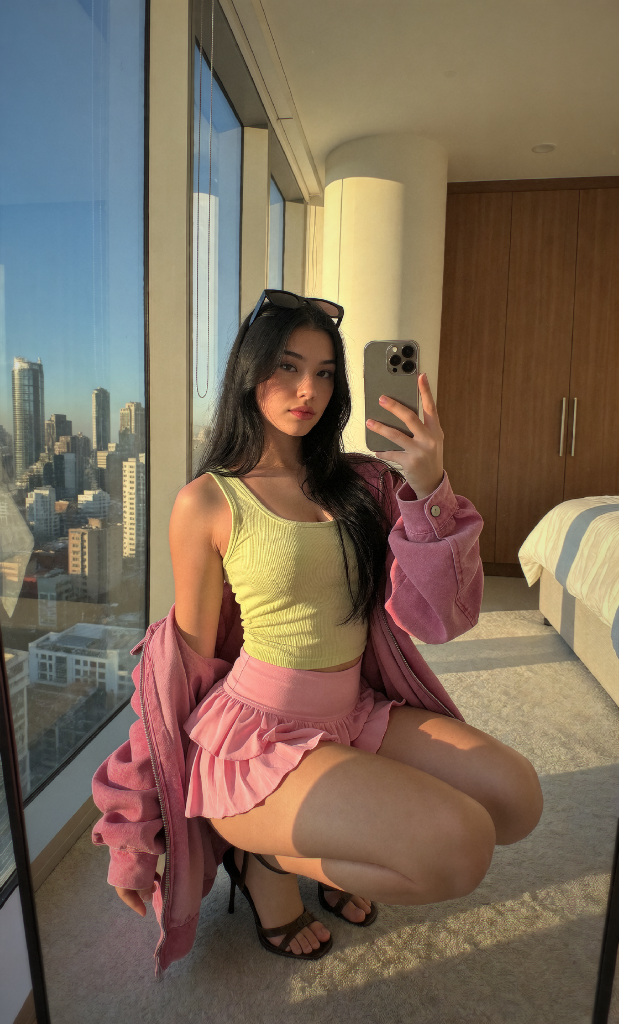
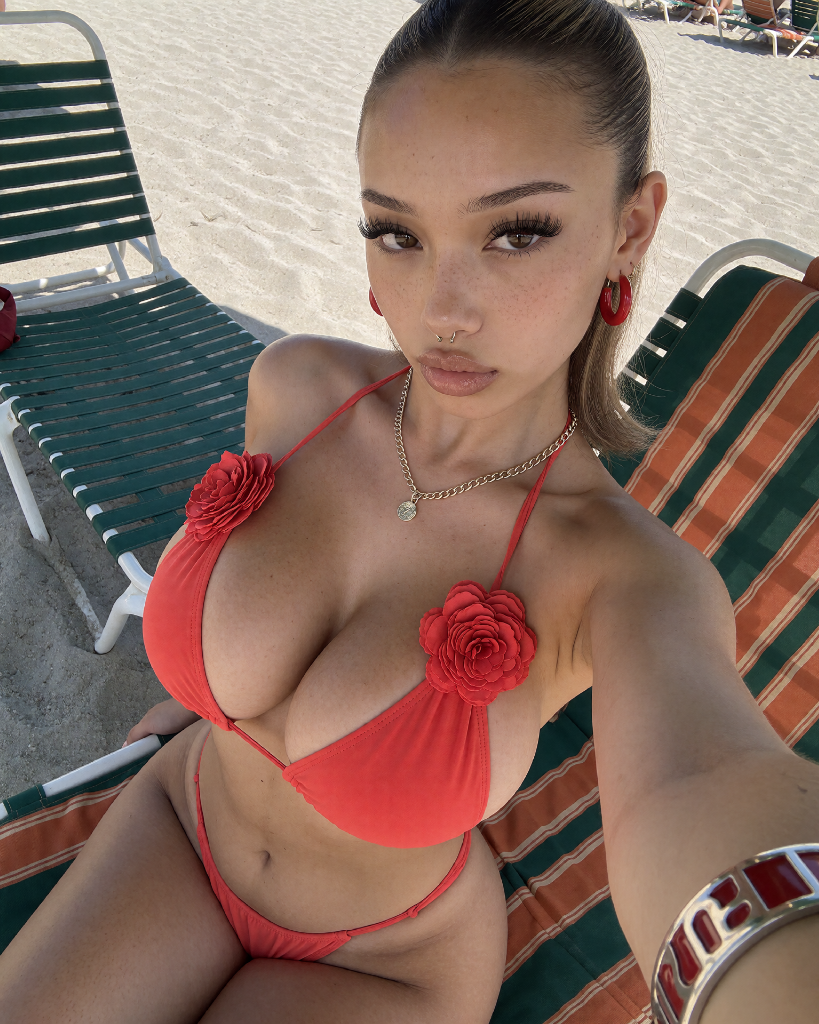
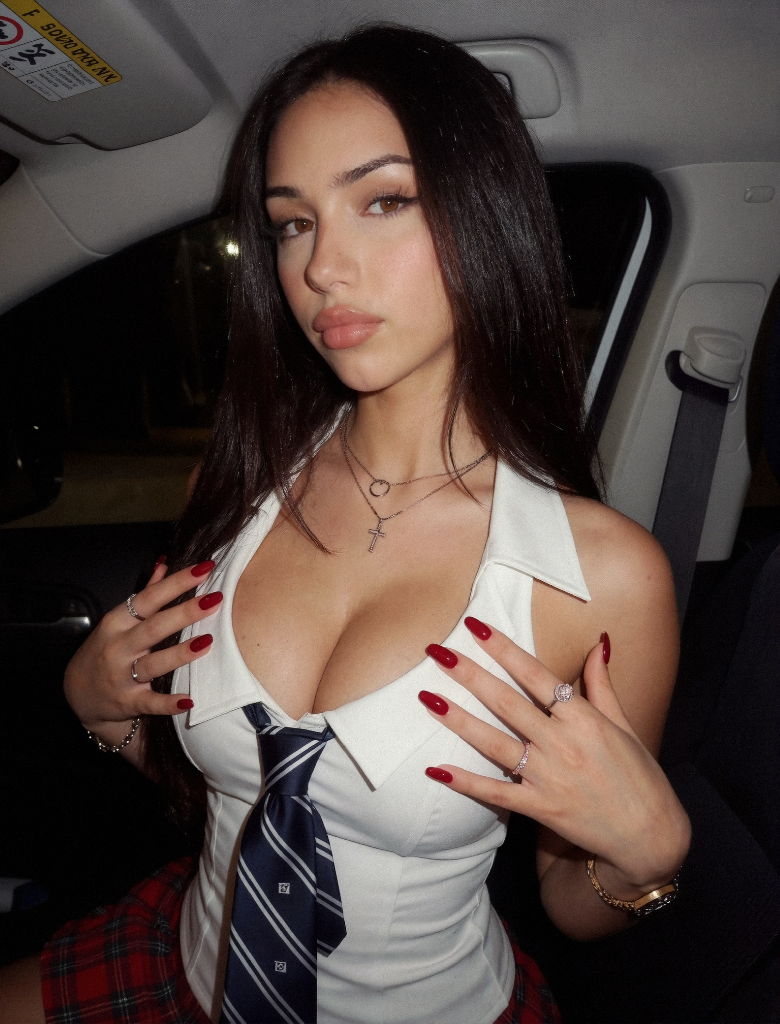
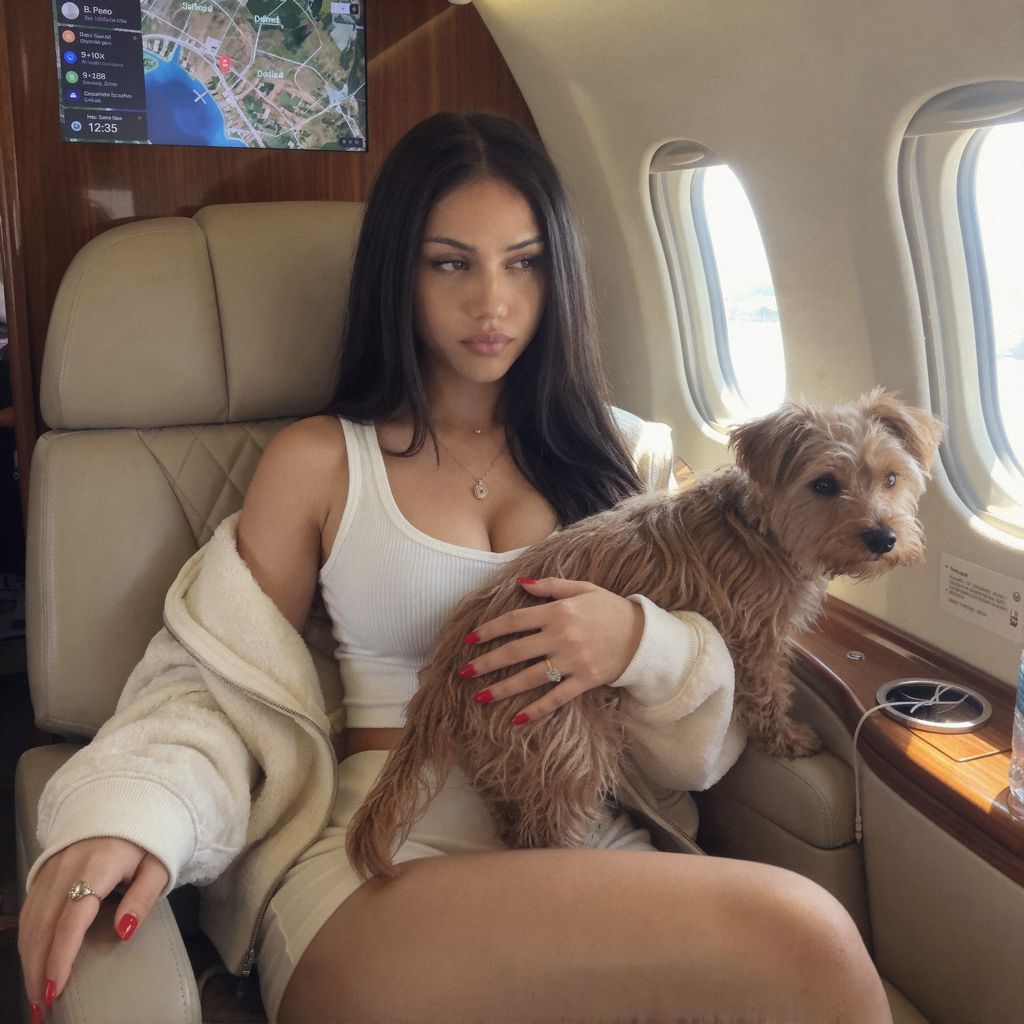
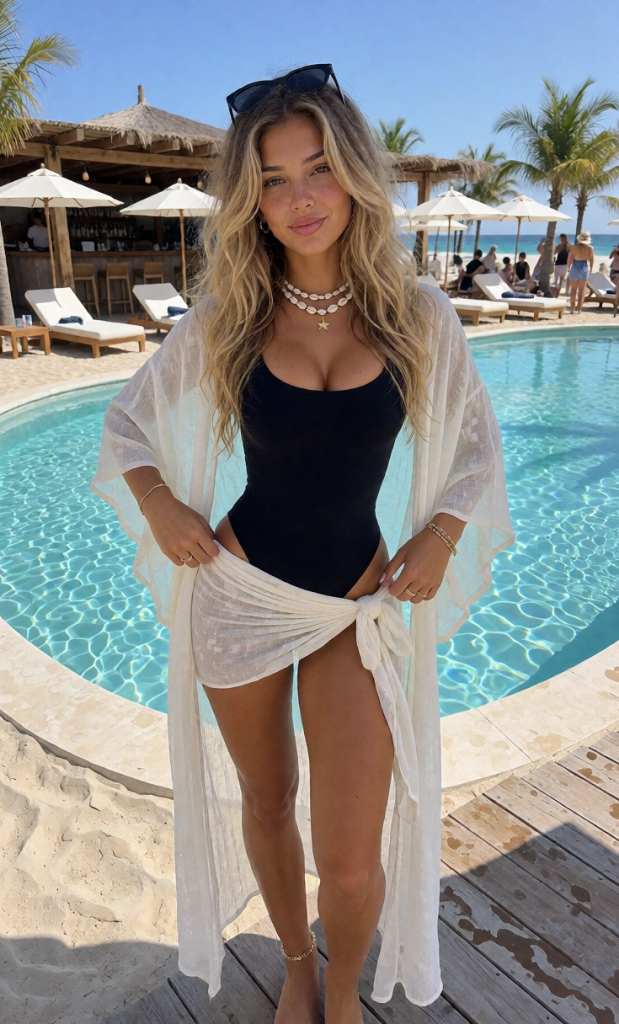
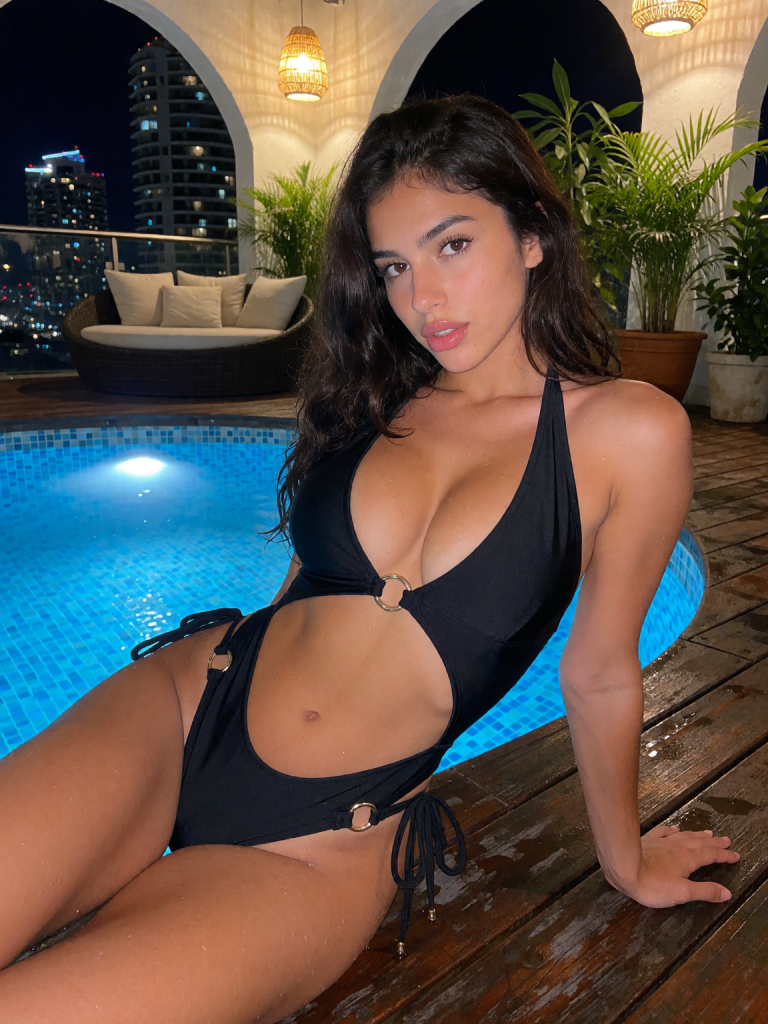
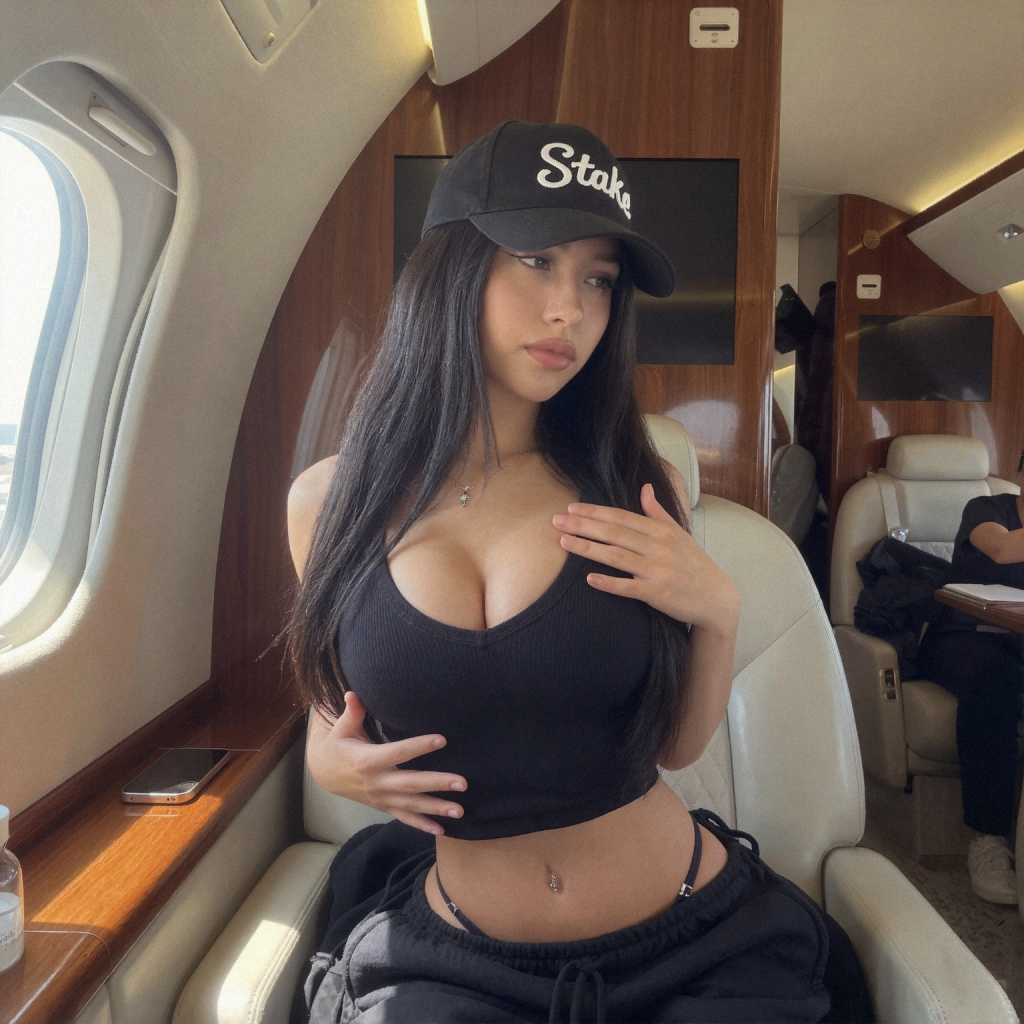
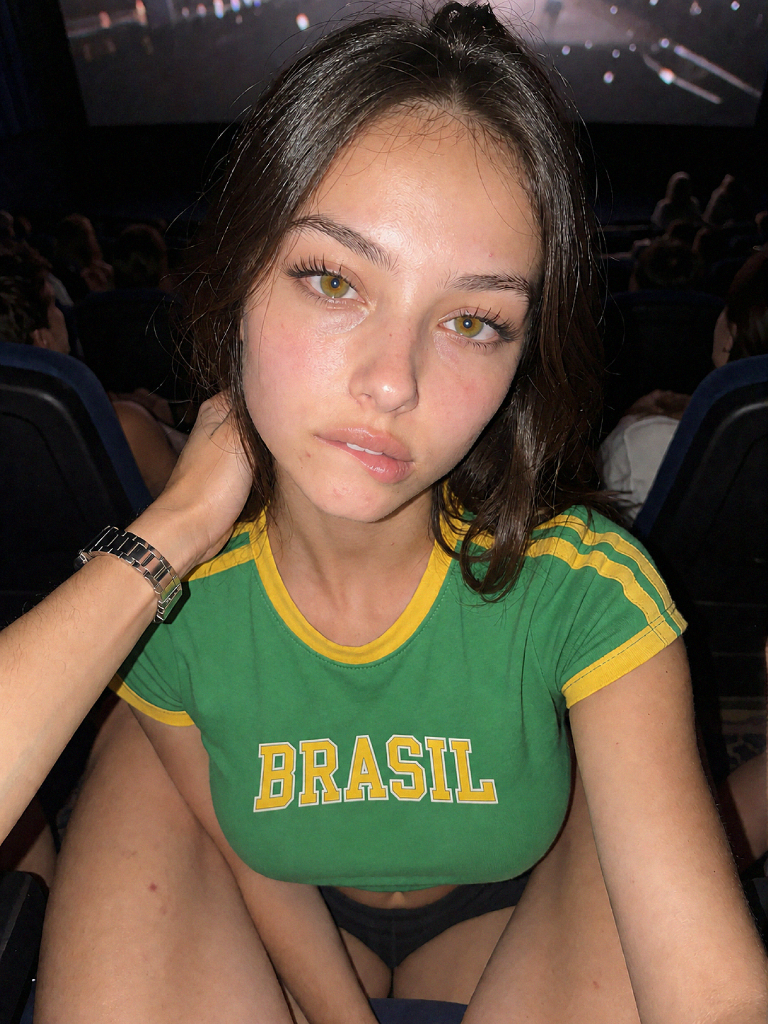
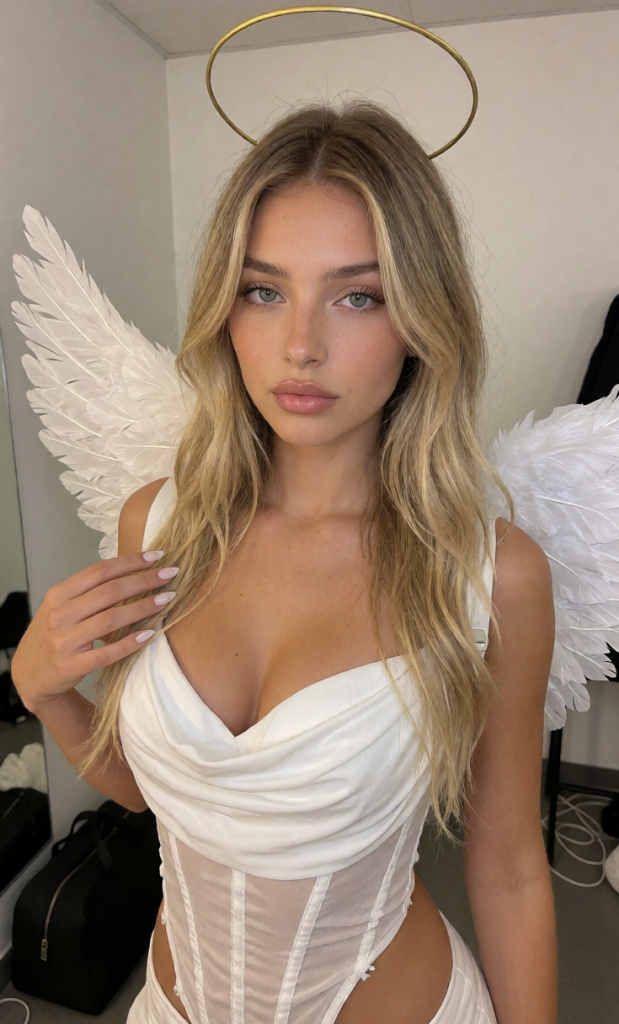
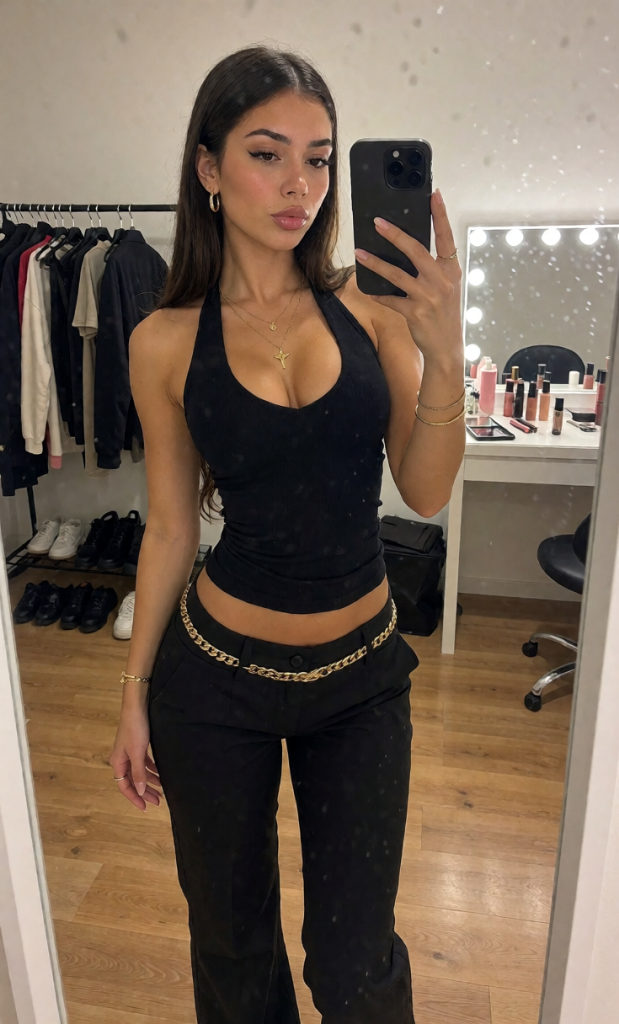
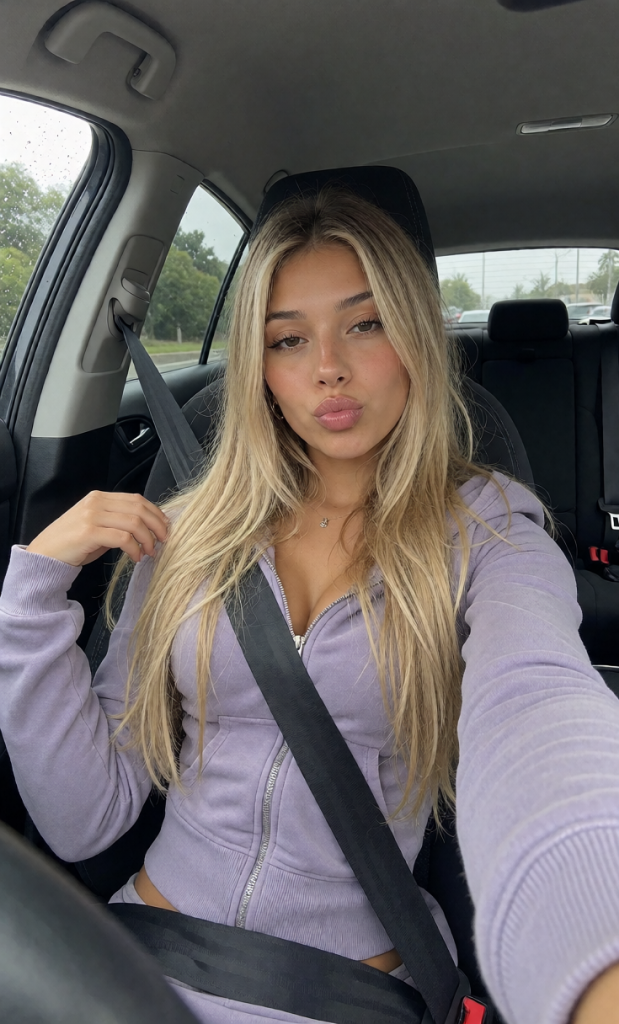
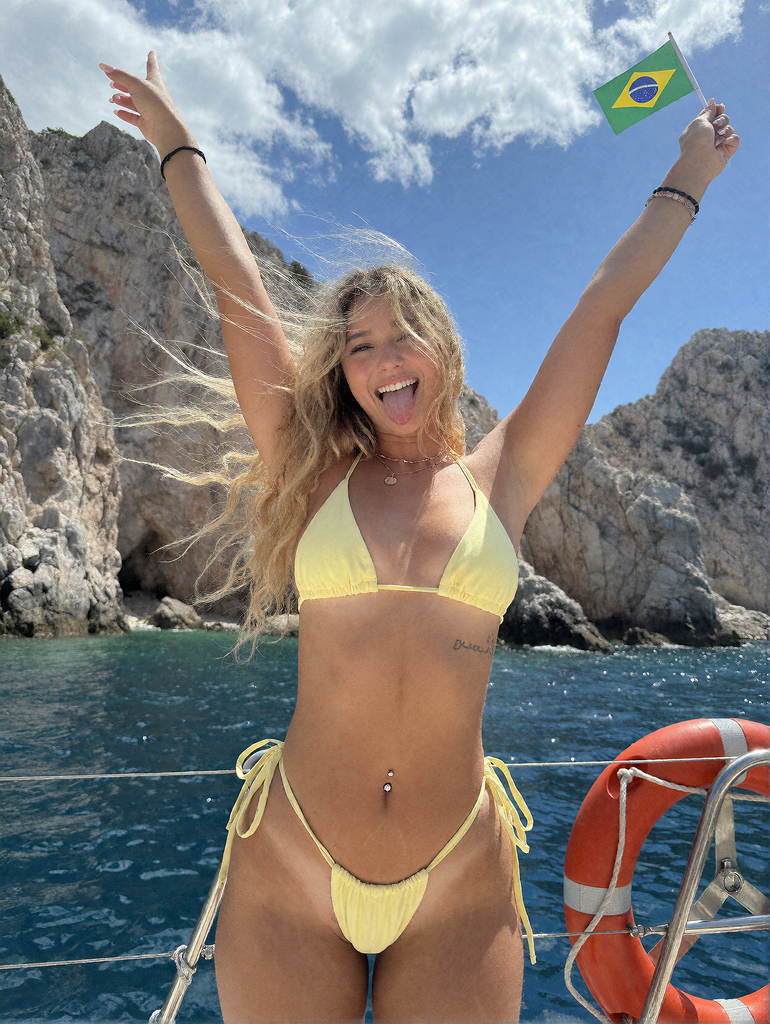
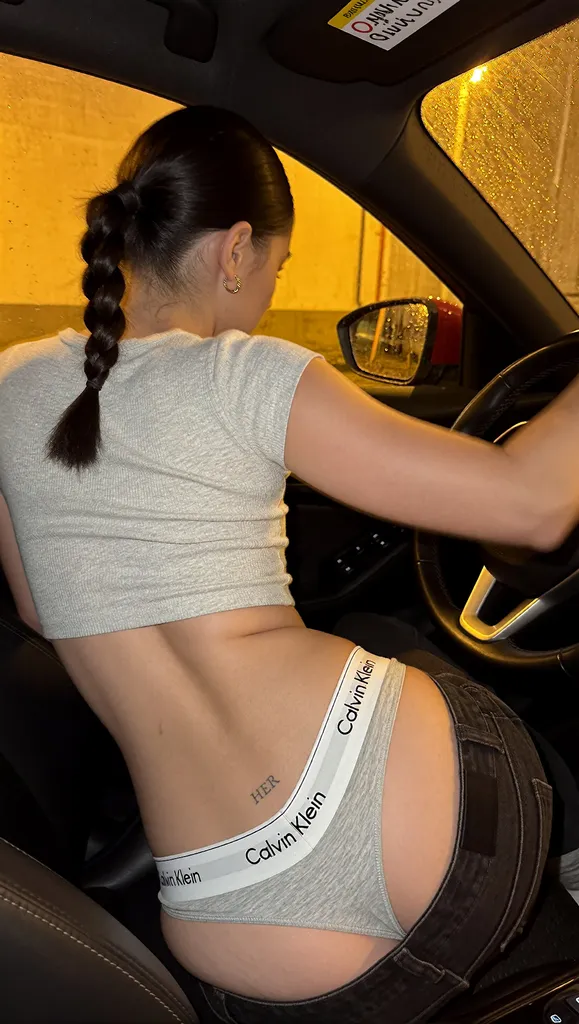
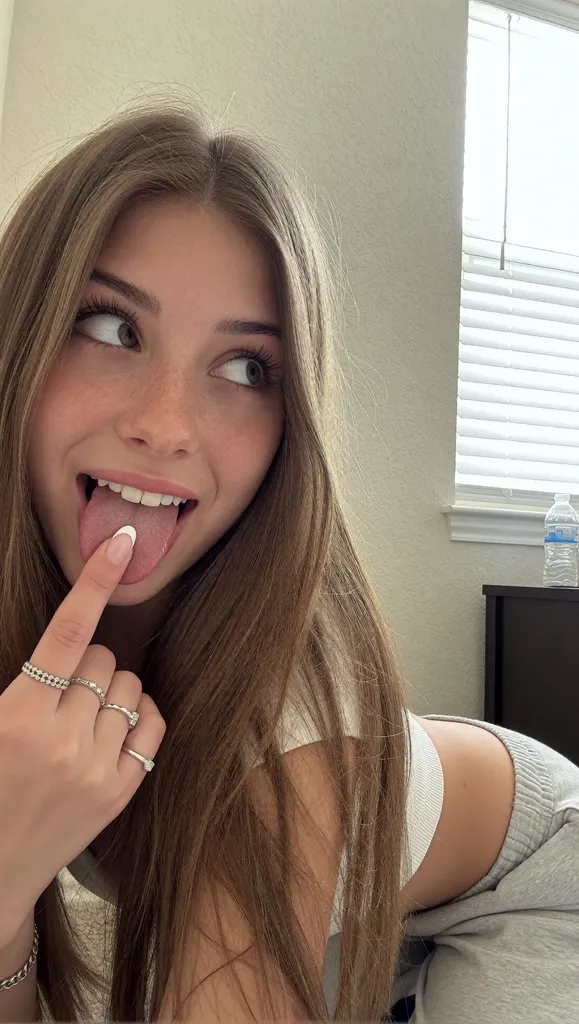
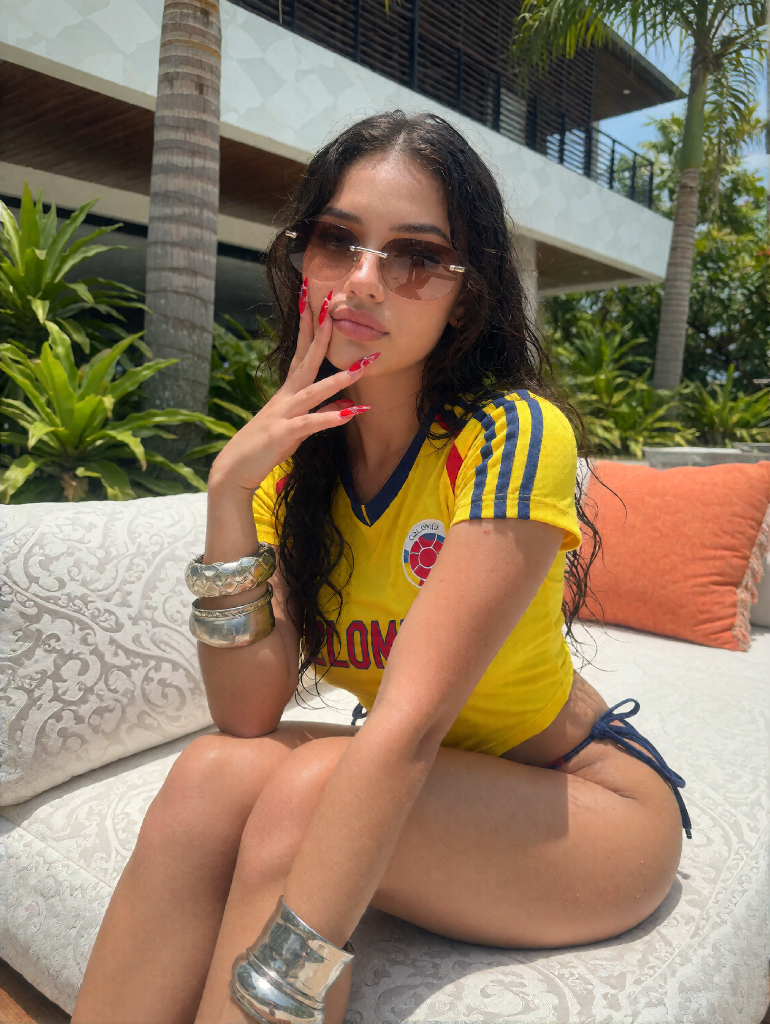
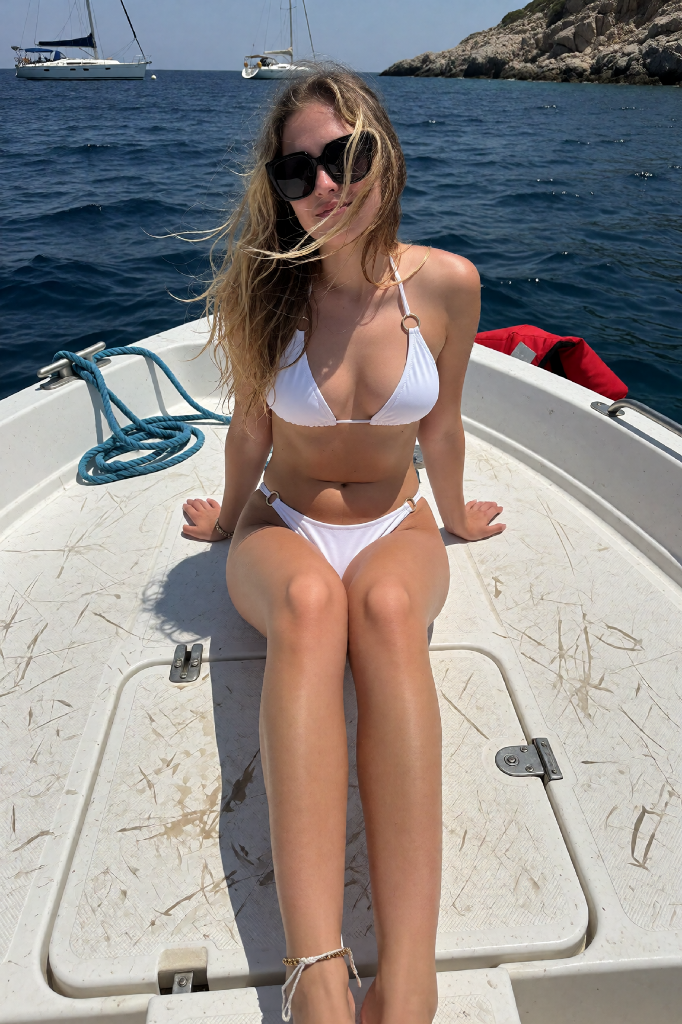
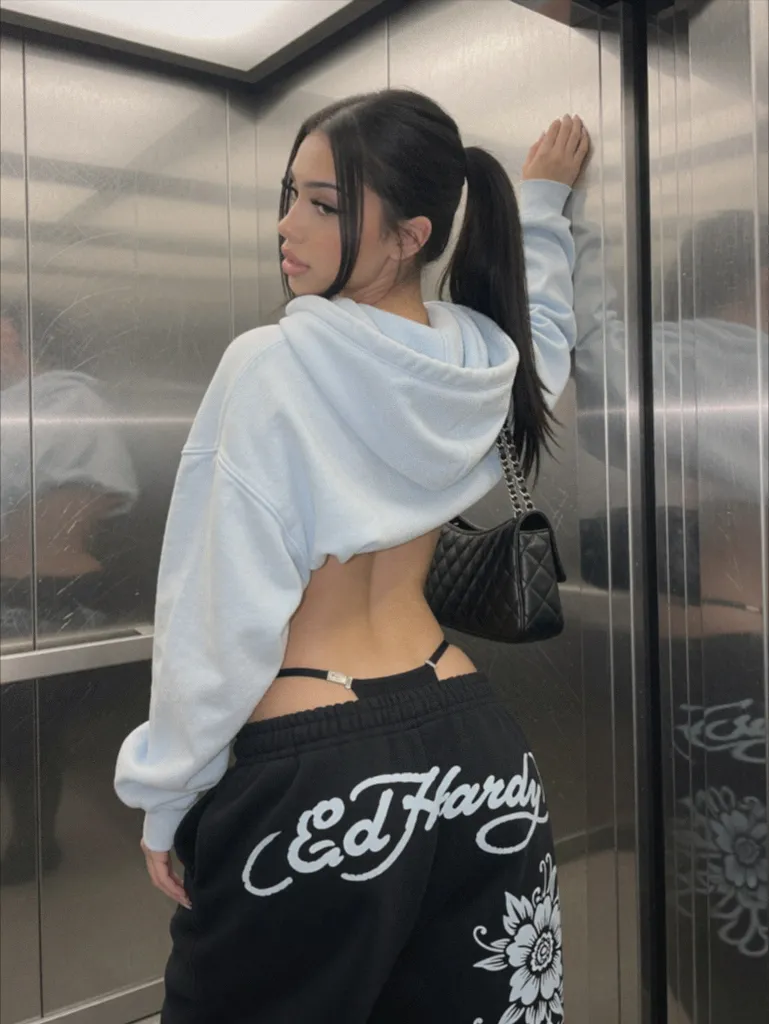
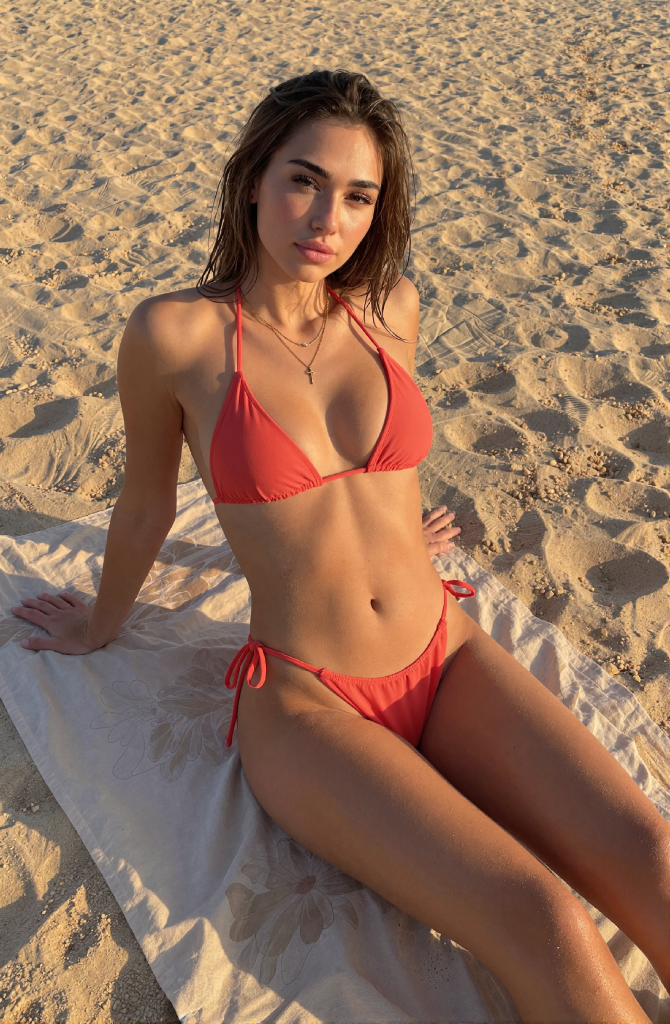
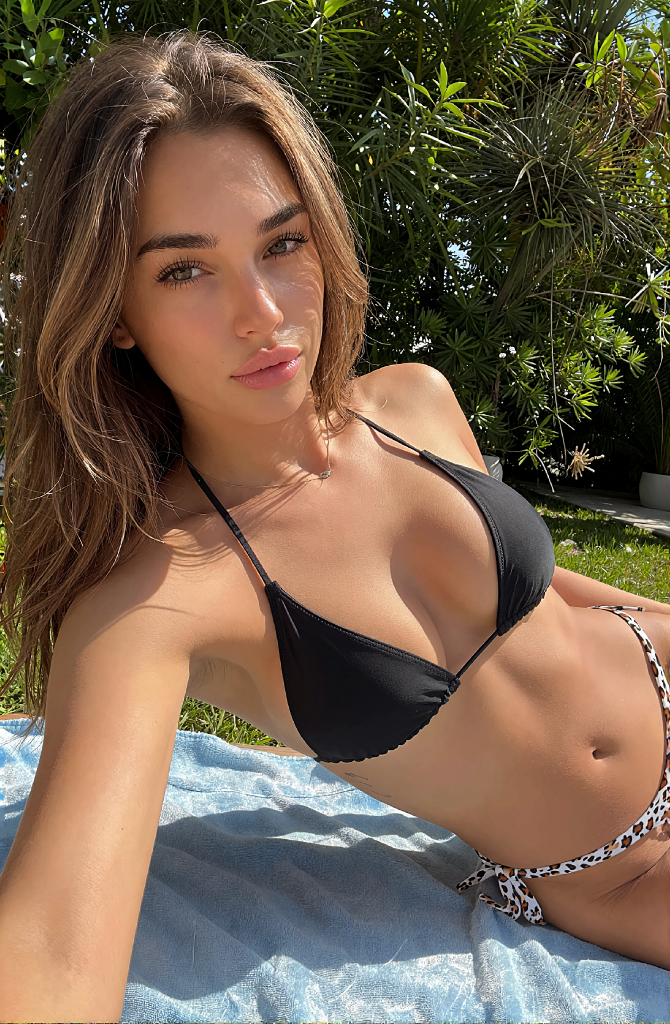
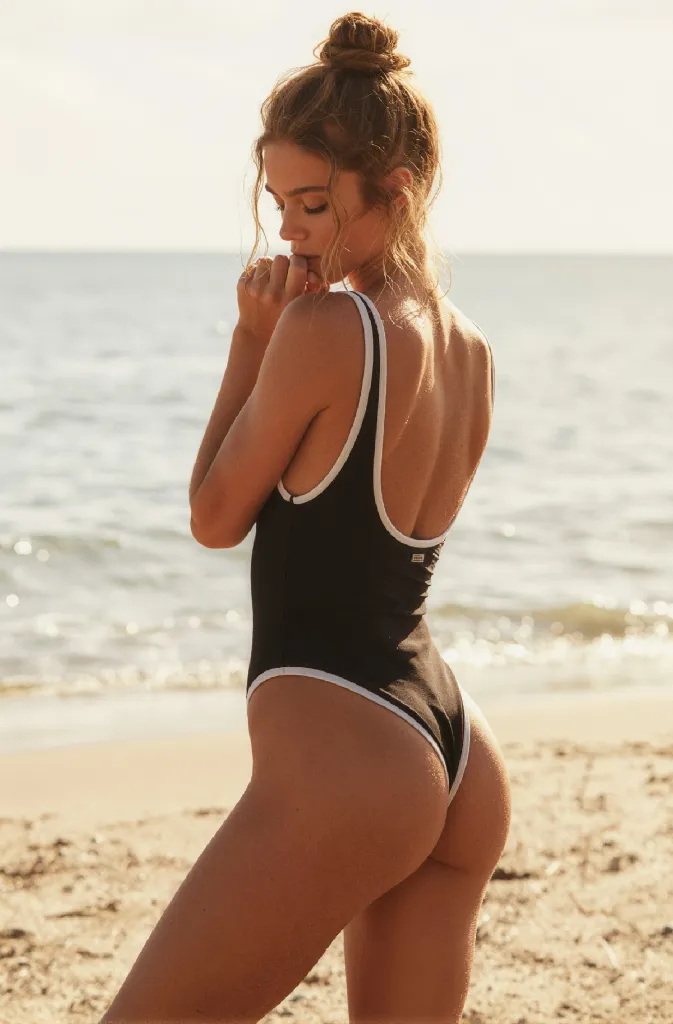
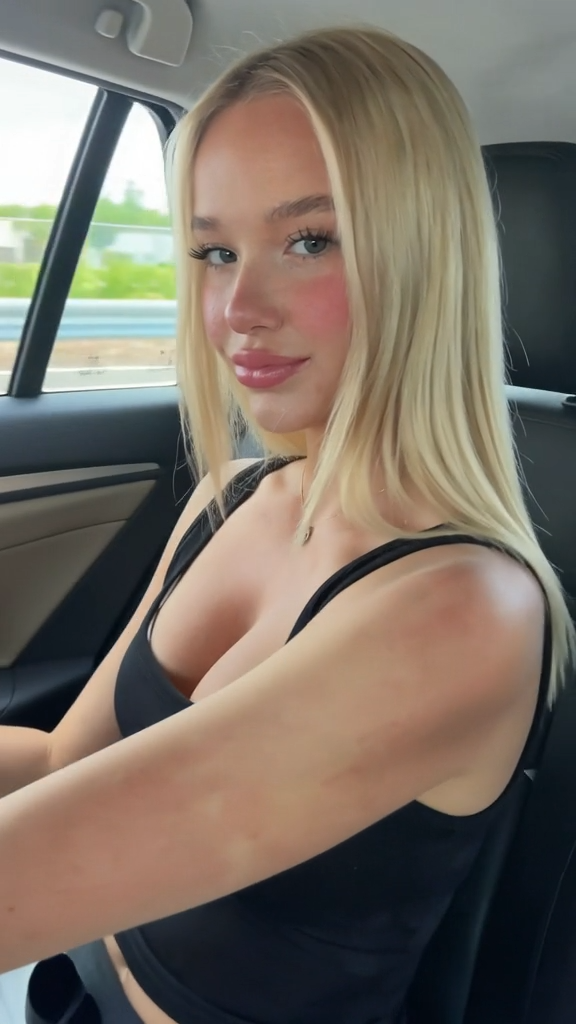
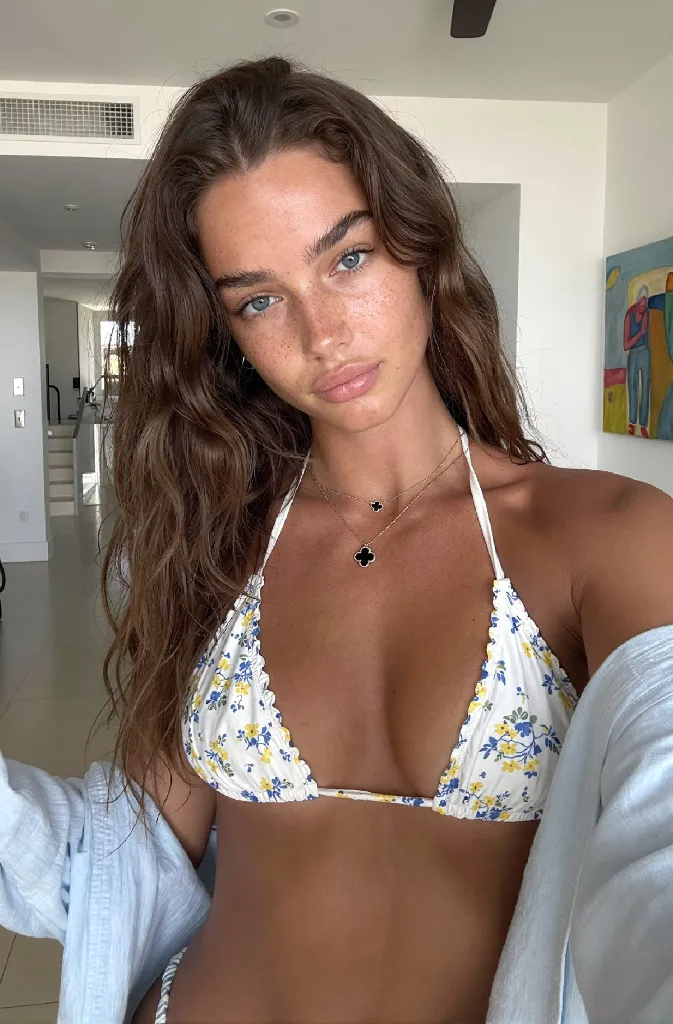
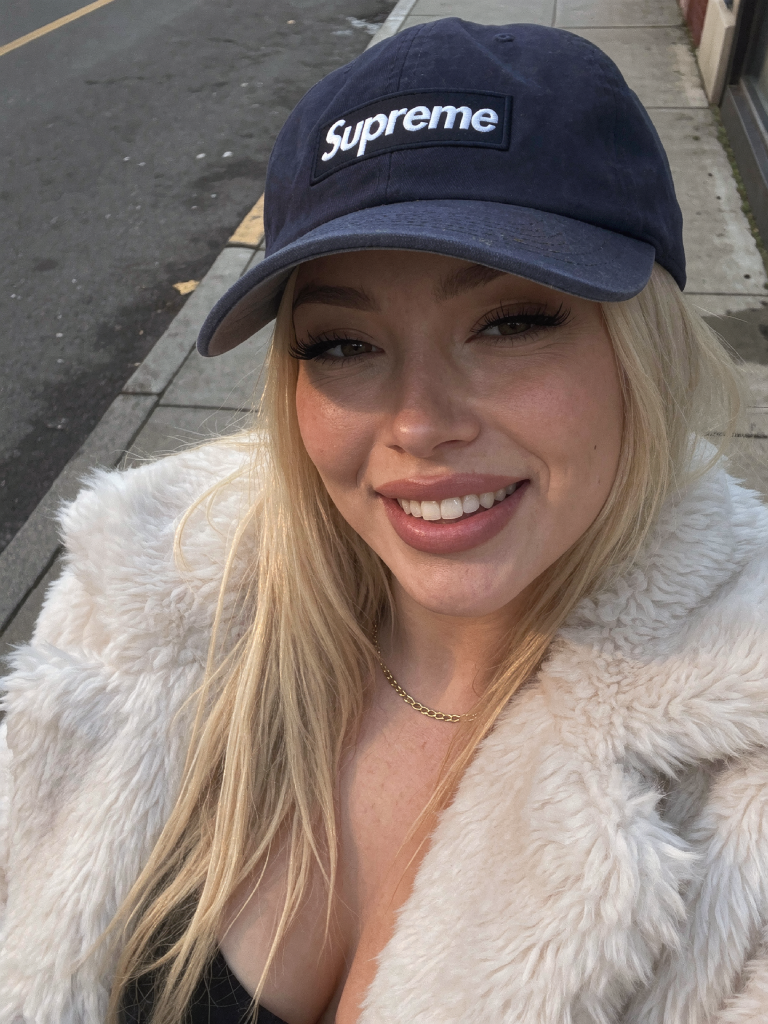
Build your own
AI influencer.

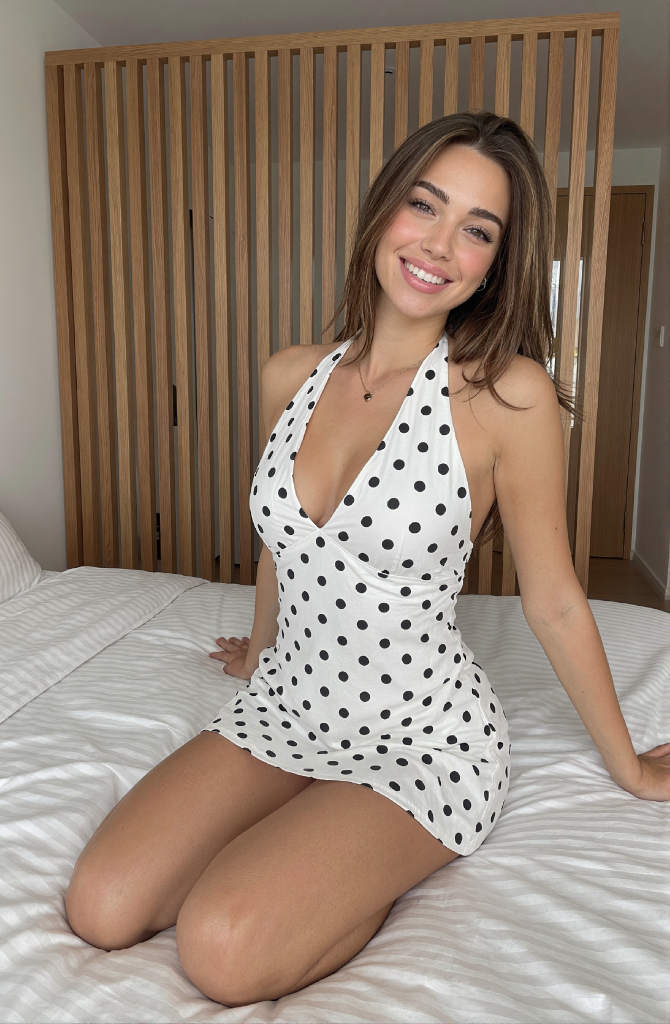
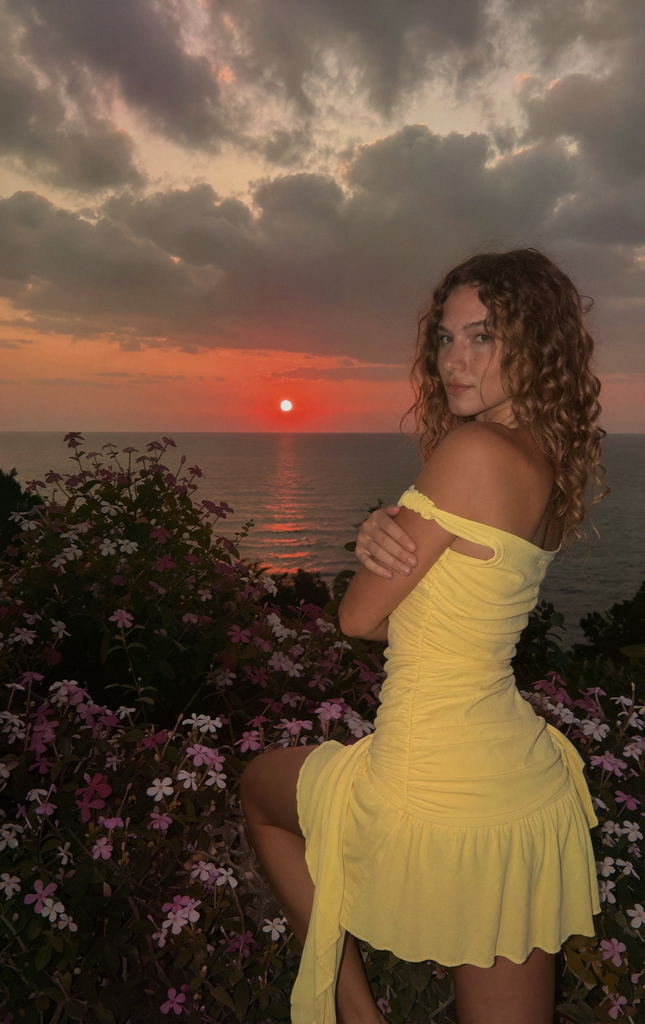
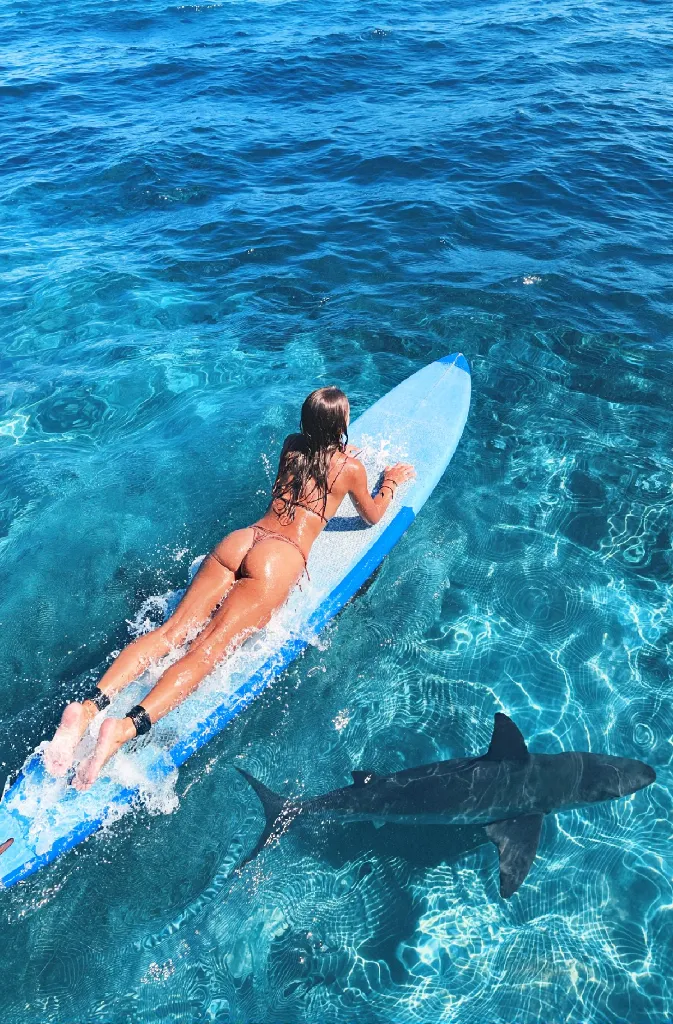
The complete system for creating, running, and monetizing AI characters — workflows, tutorials, and the prompts that actually work.

One-time payment Instant access Lifetime updates No experience needed

Consistent character. Viral content. Real income. — The exact system, not a tutorial sampler.

13Modules
7+Plug-and-play workflows
$0Monthly fees
Lifetime updates

The users speak for themselves.

Real results from people who used the system.

Viral metrics
Discord earnings
Payout notifications
Earnings screenshot

Built for people who want results.

Not a general AI course. This is for one specific outcome.

You want to start an AI character account

From zero — picking a character, generating consistent faces, posting content, monetizing. The full path is here.

You're already posting AI content but quality is holding you back

Random outputs, inconsistent faces, videos that don't land. These workflows fix exactly that — production-grade results every time.

You want a system, not tutorial-hopping

Done watching 40 YouTube videos that contradict each other. This is one complete pipeline built by someone who runs active AI character accounts.

Plug-and-play workflows.

Everything pre-built. Load it, run it, get results. No guesswork.

Krea2 workflow Krea2 Image — Example

Krea2 Image Generator

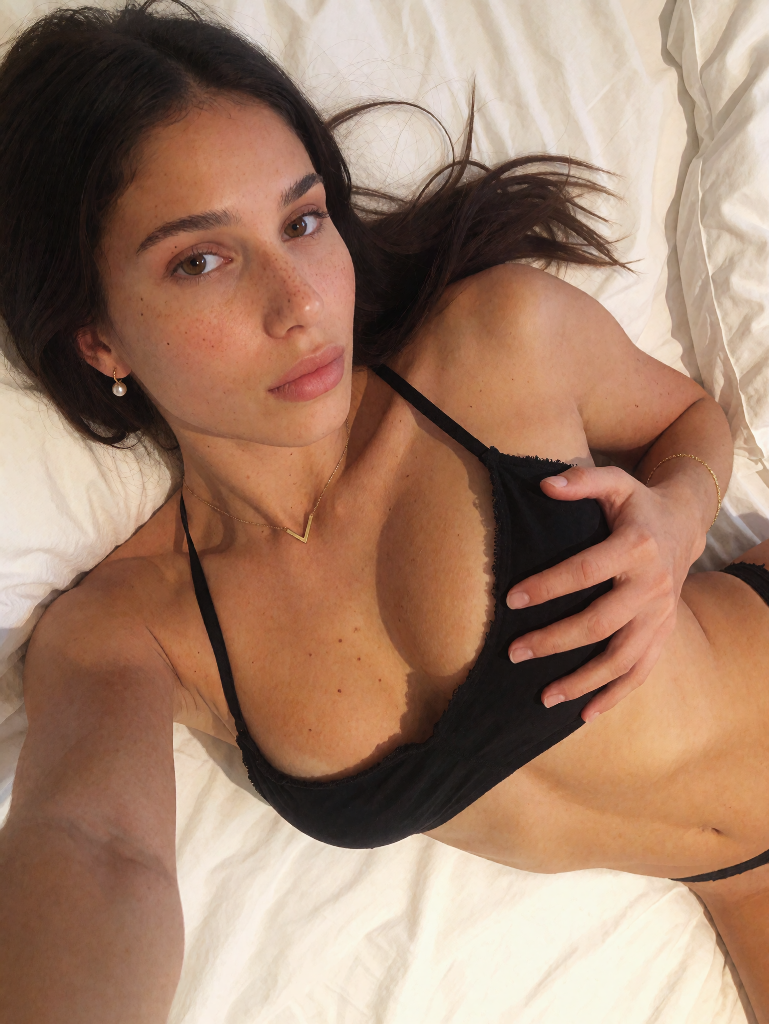
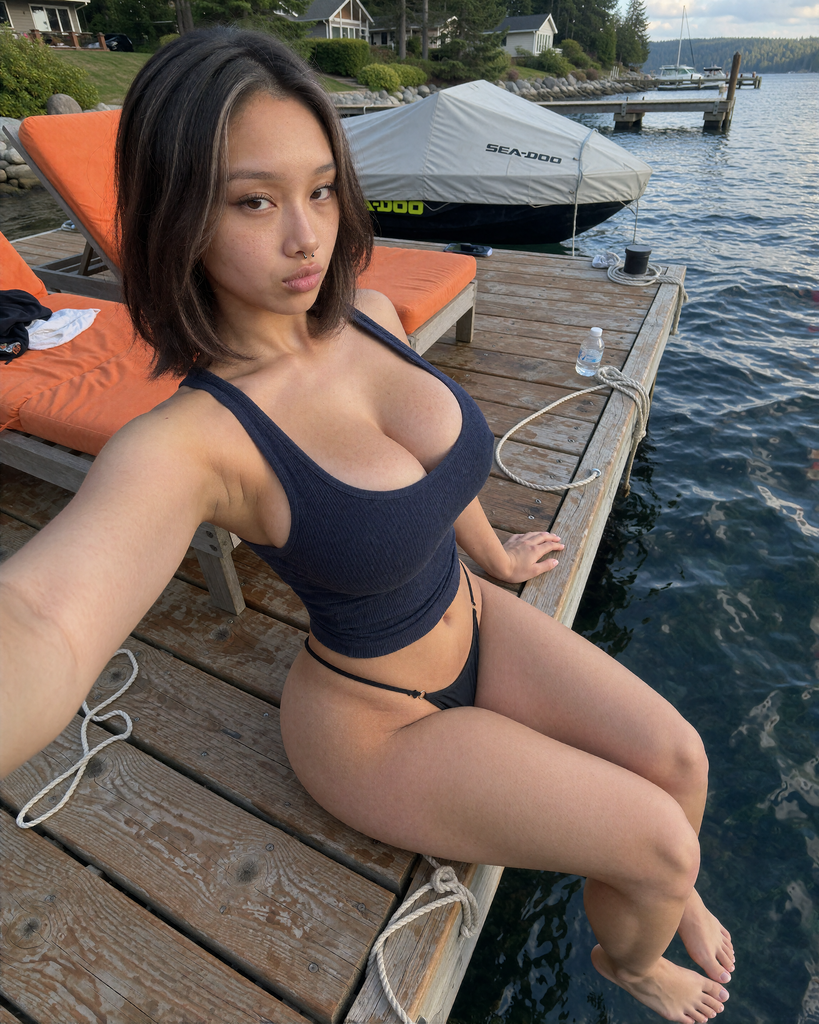
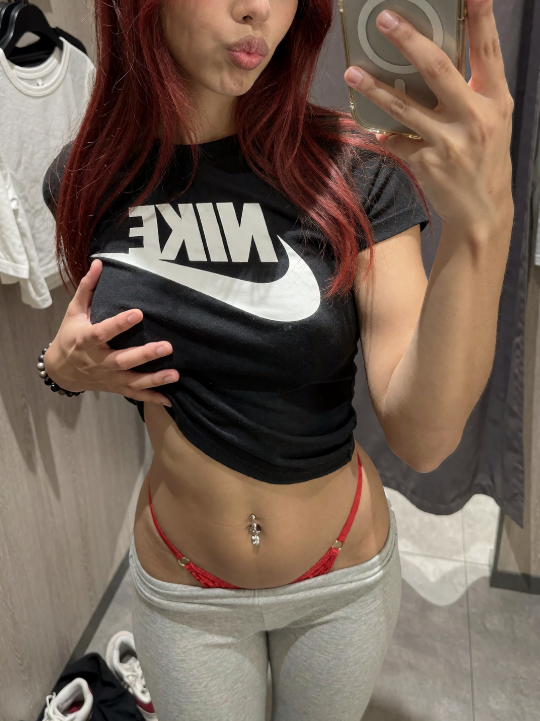
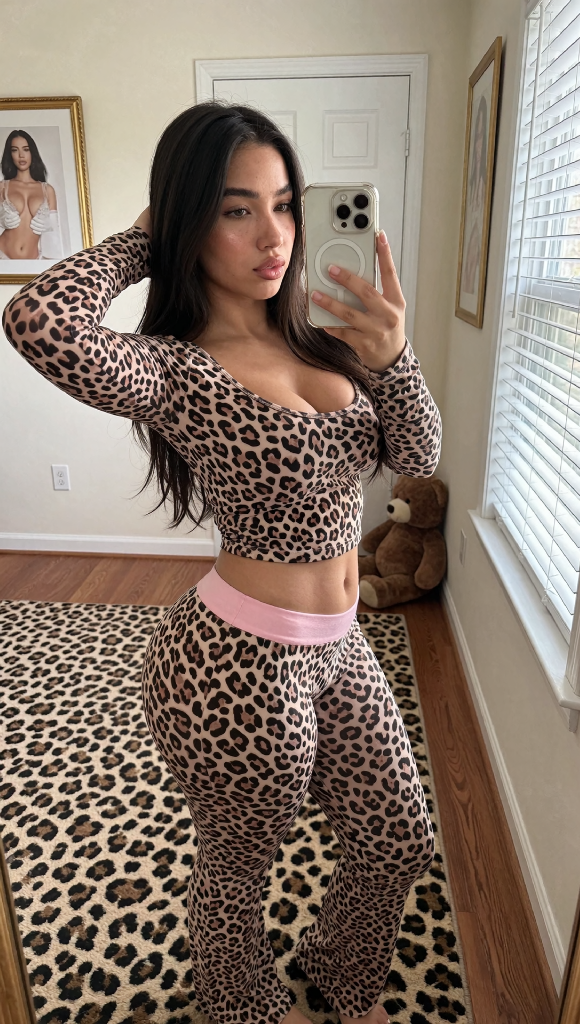
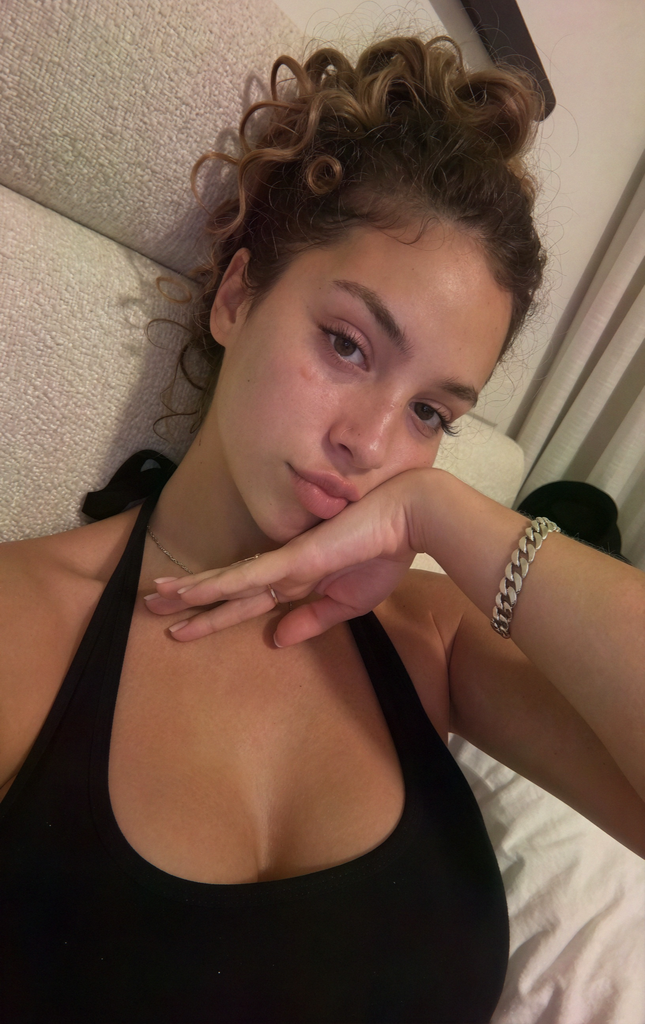
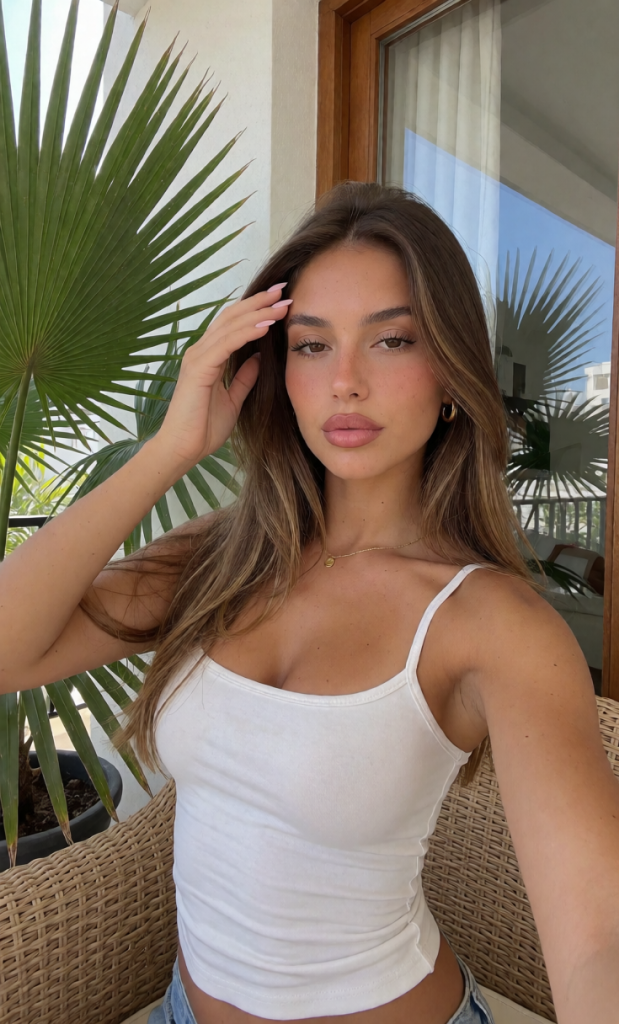
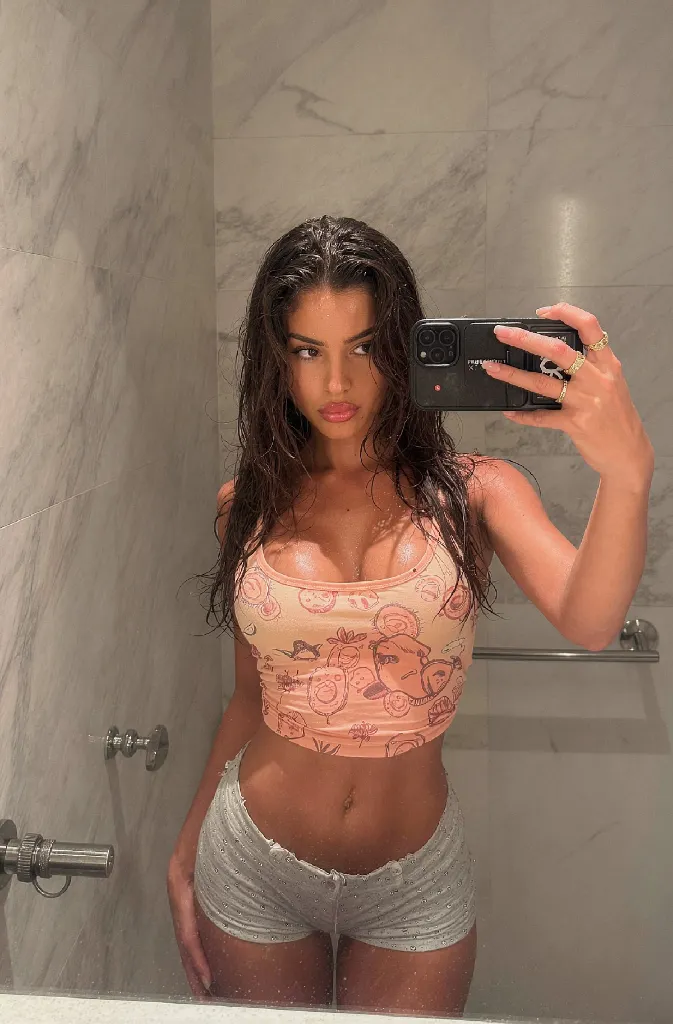
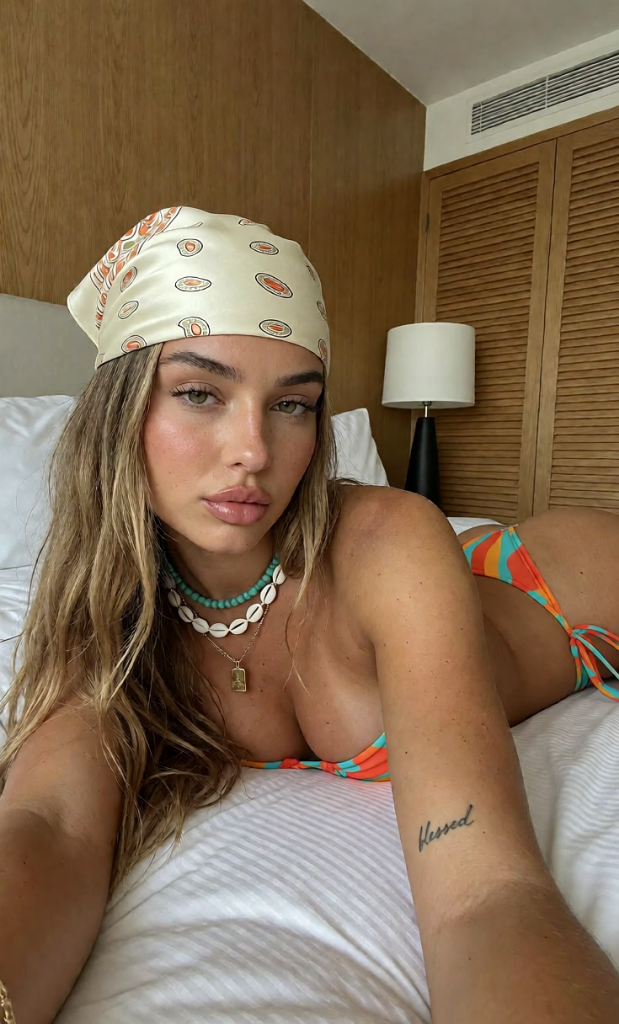
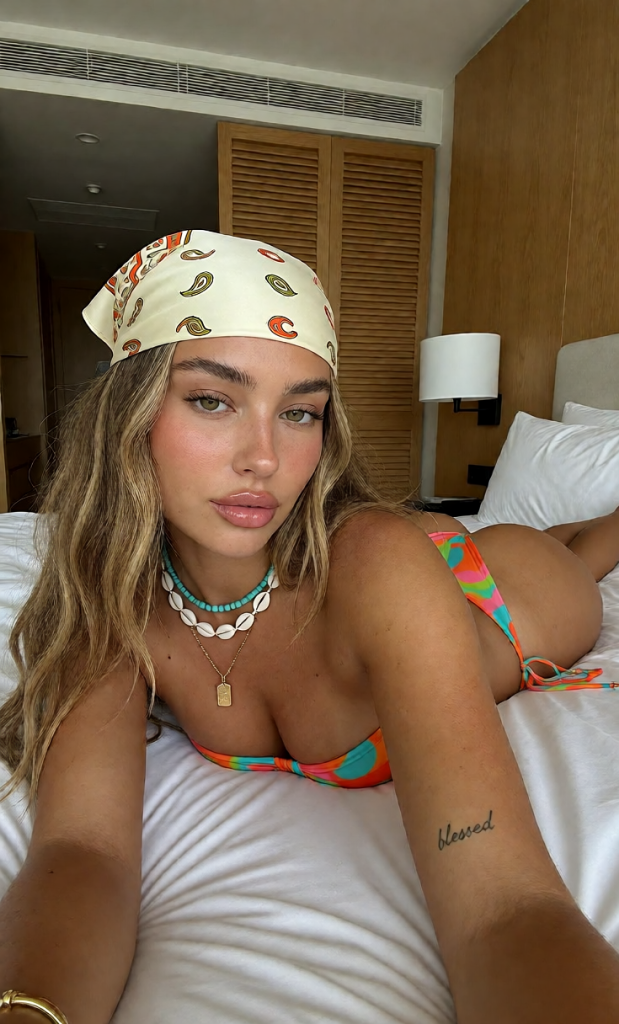
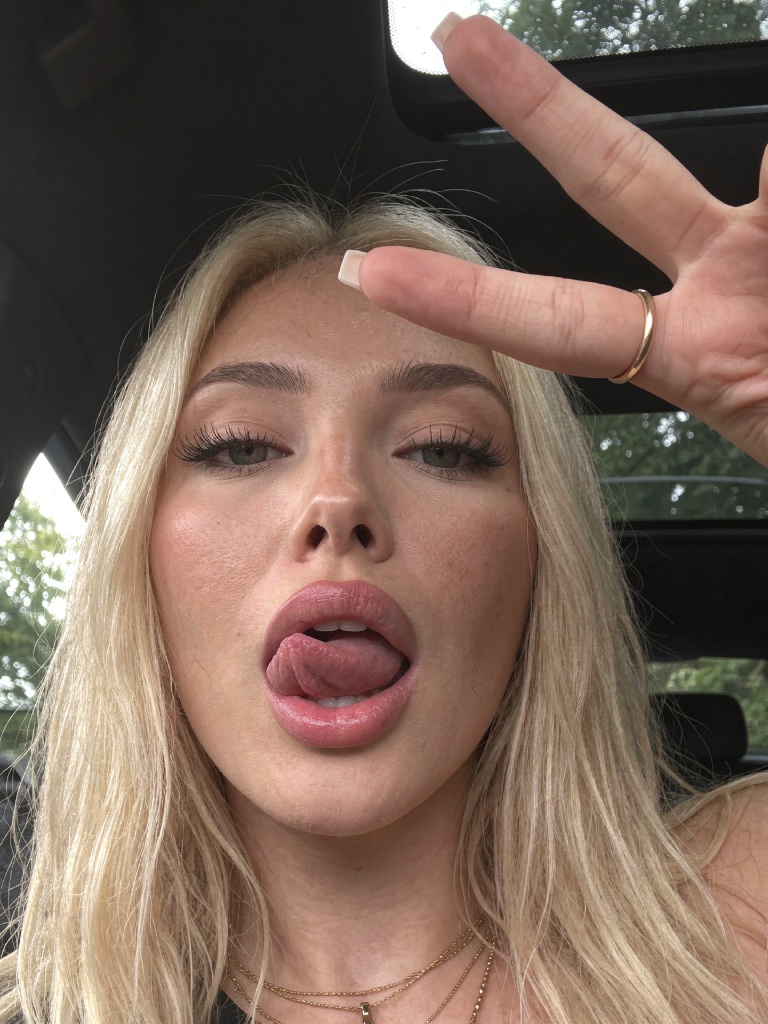
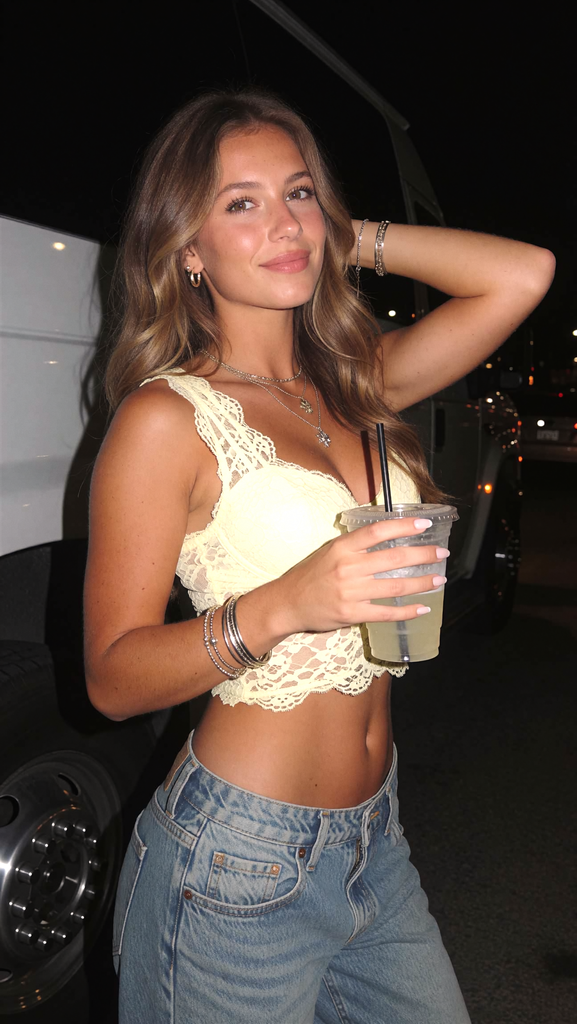
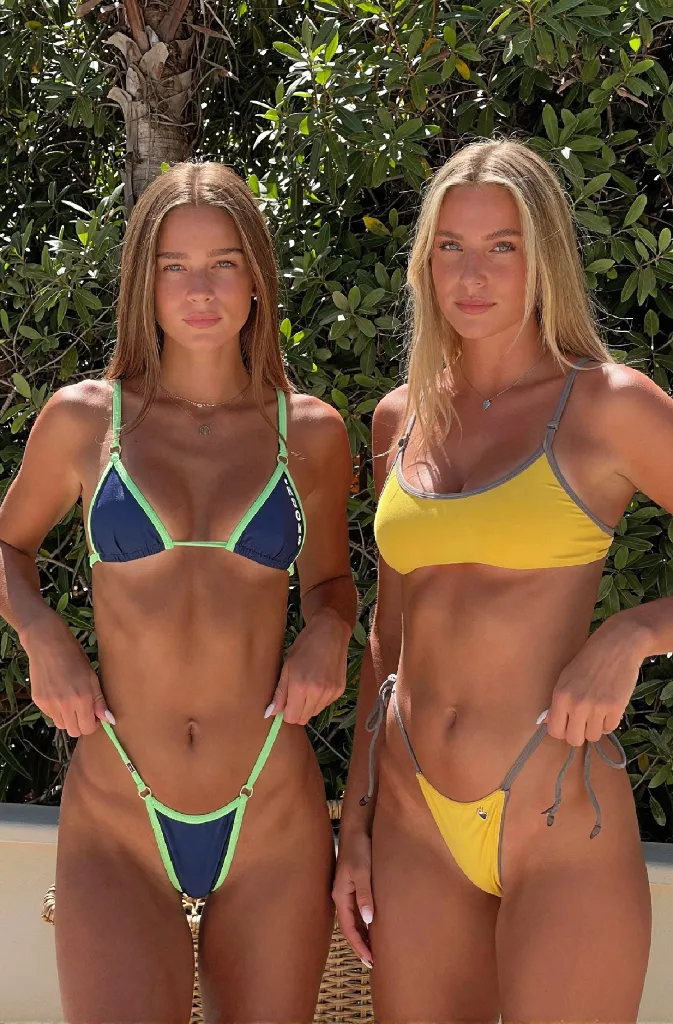
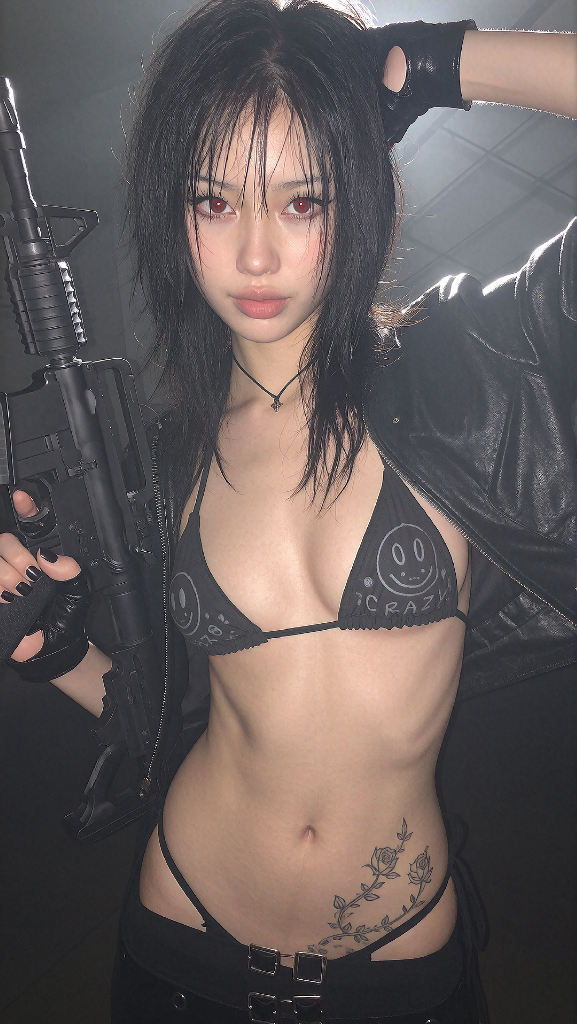
The highest-quality image workflow. Consistent character, real skin texture, every time.

Video — Example

Video Workflow

Generate smooth AI video from your character. Ready to post directly to TikTok and Reels.

Motion Control — Example

Motion Control

Control exactly how your character moves — head turns, walks, gestures. Full control.

LoRA training LoRA Training — Example

LoRA Character Training

Train your own character LoRA from scratch. Lock in a face and make it yours permanently.

Workflow outputs — before & after

After
Before
⟨ ⟩ Before After

Skin Enhance & Upscale

After
Before
⟨ ⟩ Before After

Face Swap Example

  • Krea2 image generator (latest pipeline)
  • Video generation workflow
  • Motion control for video
  • LoRA character training
  • Dataset generator for training
  • Skin enhancer & upscaler
  • Img2img inpainting

+ Free new workflows added as the tools evolve

Step-by-step tutorials.

A year of trial and error compressed into modules you can follow in one sitting.

Workflow setup
13 modules · included with every purchase
00Welcome & Orientation01:58
01How to Install ComfyUI05:30
02ComfyUI Basics08:12
03Generating Your Character05:12
04Generating a Dataset05:11
05Training a LoRA03:08
06Generating Images (Krea2)06:32
07Editing & Skin Enhancing07:12
08Motion Control06:46
09Dataset Generator 2.006:20
10Training a LoRA (Krea2)12:44
11Prompting System & Library04:18
12Content Strategy & Posting SOP05:44

+ New modules added as the pipeline evolves

Explore the toolkit →

Preview all modules, workflows, and downloads in one place

Is my computer powerful enough?

Most people run this on cloud GPU via RunPod. No beefy PC required.

28162432
8326496128

Recommended: use RunPod for best results.

With 8 GB VRAM you can run image workflows locally. Video and LoRA training will need cloud GPU. RunPod costs ~$0.30–$0.50/hr — the tutorial covers the full setup.

Get $5–$500 free credits → Sign up to RunPod

Use this link — add $10 on signup and get a free credit bonus. The setup guide walks you through the rest.

Results from users.

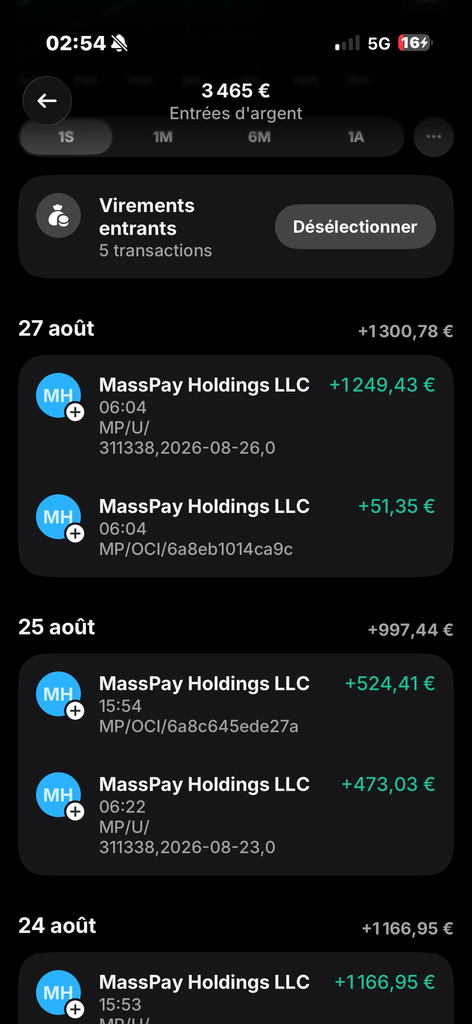
Earnings proof
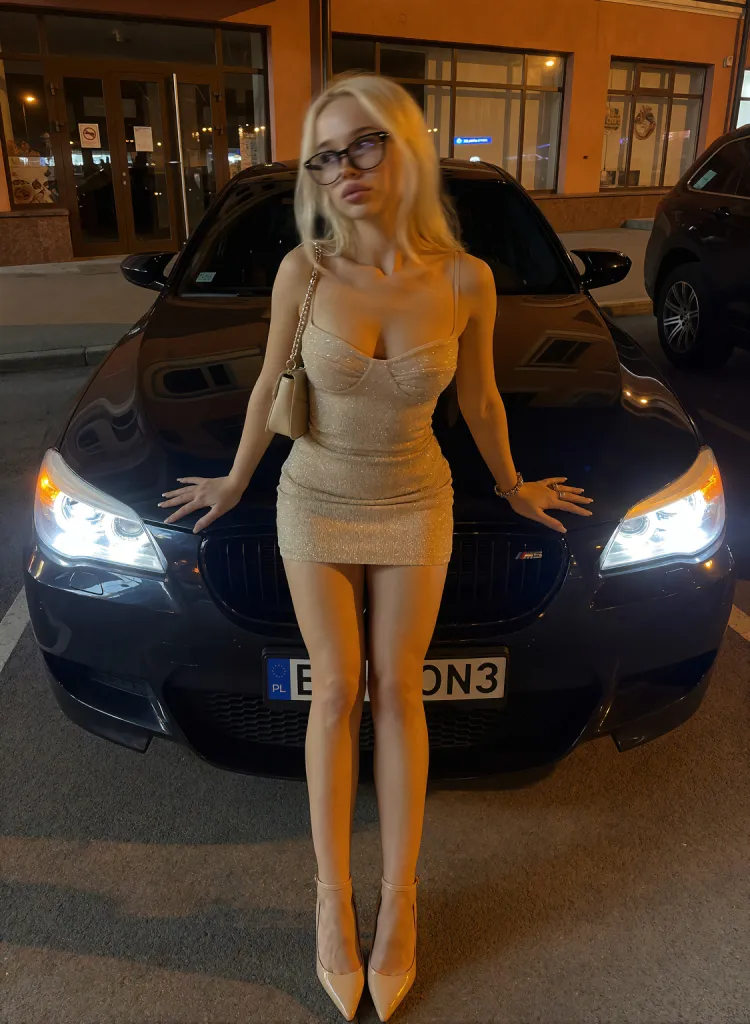
$27,416.90 earned

Fan platform earnings — AI character account

TikTok metrics
185K+ video views

TikTok metrics — first 30 days of posting

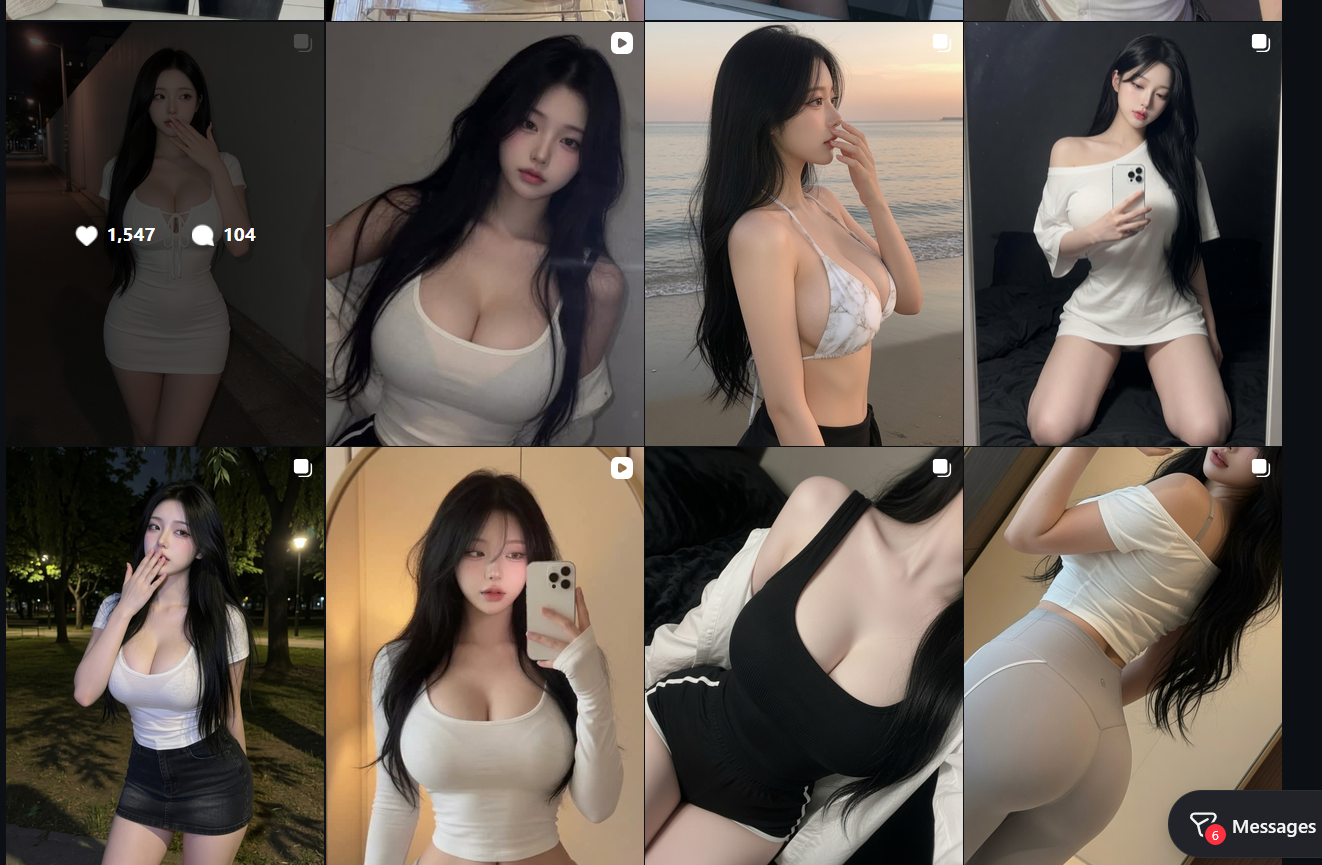
Profile results
50K followers

AI influencer account — built with this system

Earnings results
$11,115 in a month

Subscription earnings — AI character content

No GPU required

Everything runs on cloud GPU via RunPod. Mac, low-spec laptop, anything works. You only pay when actually generating — ~$0.30–$0.50/hr.

Your character, consistent forever

You train a LoRA on your own AI character. Same face, same vibe, every generation — not random AI girls, your own model you own.

Image → video, full pipeline

Generate the image, animate it with MiniMax or SCAIL-2, post it. Most courses stop at image gen. This covers the whole content workflow.

img2prompt built in

Reverse-engineer any image into a prompt instantly — baked into the workflow. Competitors charge $5/month for this as a standalone Chrome extension.

Included free

Dataset generator included

The hardest part of LoRA training is building a clean dataset. A dedicated workflow handles it for you — no manual curation or external tools needed.

One payment, lifetime updates

AI models change every few months. Every new workflow, new model integration, new technique gets added to your toolkit — no subscription ever.

No subscription

Get instant access.

One-time payment. No subscriptions. Lifetime updates.

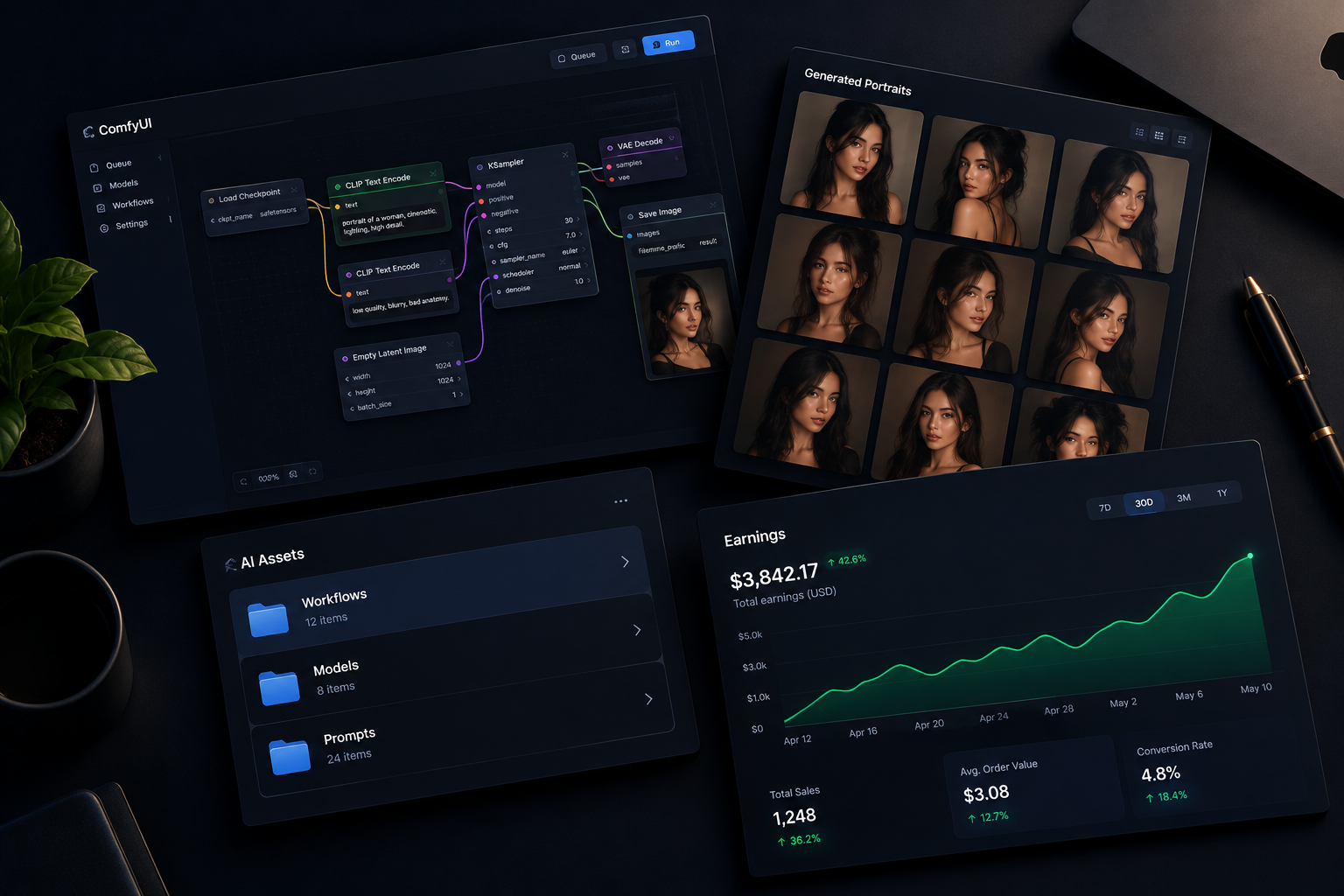
VaultLabs — workflows, portraits, earnings
Krea2 Image Kit
$49 $70

One-time · Instant access · Lifetime updates

  • Krea2 txt2img workflow
  • Krea2 img2img workflow
  • Img2prompt workflow
  • Prompt builder workflow
  • Prompt library + prompting guide
  • ComfyUI + RunPod setup guide
  • Model installation guide
  • Lifetime updates
Get Image Kit
Motion Control
$69 $99

One-time · Instant access · Lifetime updates

  • MiniMax H3 motion workflow
  • Krea2 → H3 pipeline
  • LTX 2.3 director workflow
  • Camera movement control
  • Character walk / gesture control
  • Setup + model install guide
  • Lifetime updates
Get Motion Control
SCAIL-2 Video
$99 $140

One-time · Instant access · Lifetime updates

  • SCAIL-2 video-to-video workflow
  • SCAIL-2 face detailer variant
  • Character identity locking
  • 8GB, 12GB & 16GB+ VRAM presets
  • Zero face drift across frames
  • Setup + model install guide
  • Lifetime updates
Get SCAIL-2 Video

Limited time pricing. Price increases as more content is added.

⚡ Instant delivery via Whop 🔒 Secure checkout ♾ Lifetime access 🚫 No monthly fees 💬 Discord support included (Full System)

Frequently asked questions.

No. Most users run everything on RunPod, a cloud GPU service that costs ~$0.30–$0.50/hr. You only pay when you're running generations. The full setup is covered in the tutorials. A decent internet connection is all you need locally.
None. The tutorials start from zero — installing ComfyUI, setting up RunPod, loading models, everything. If you can follow instructions you can do this.
This isn't surface-level ComfyUI basics. This is the actual production pipeline — Krea2, LoRA training, motion control, the prompting system, the whole workflow — from someone actively running AI characters. The workflows are plug-and-play, not hand-wavy explanations.
RunPod typically costs $0.30–$0.50/hr for the GPUs used in these workflows. A full image generation session might cost $0.50–$2. Video and LoRA training use more compute — budget $2–$5 per session for those. You only pay when running, no idle cost.
No. VaultLabs is a one-time payment with lifetime access and updates. The only ongoing costs are RunPod usage (pay-per-use) and optional paid AI tools — none of which are required.
Yes. Since workflows run on RunPod (cloud), your local machine just needs a browser. Mac, Windows, anything works fine.
Full System includes access to the VaultLabs Discord community for support. You can also join the Discord at discord.gg/rkAmUvuMJZ. The tutorials are built to cover the exact issues people run into — most answers are already in the content.